
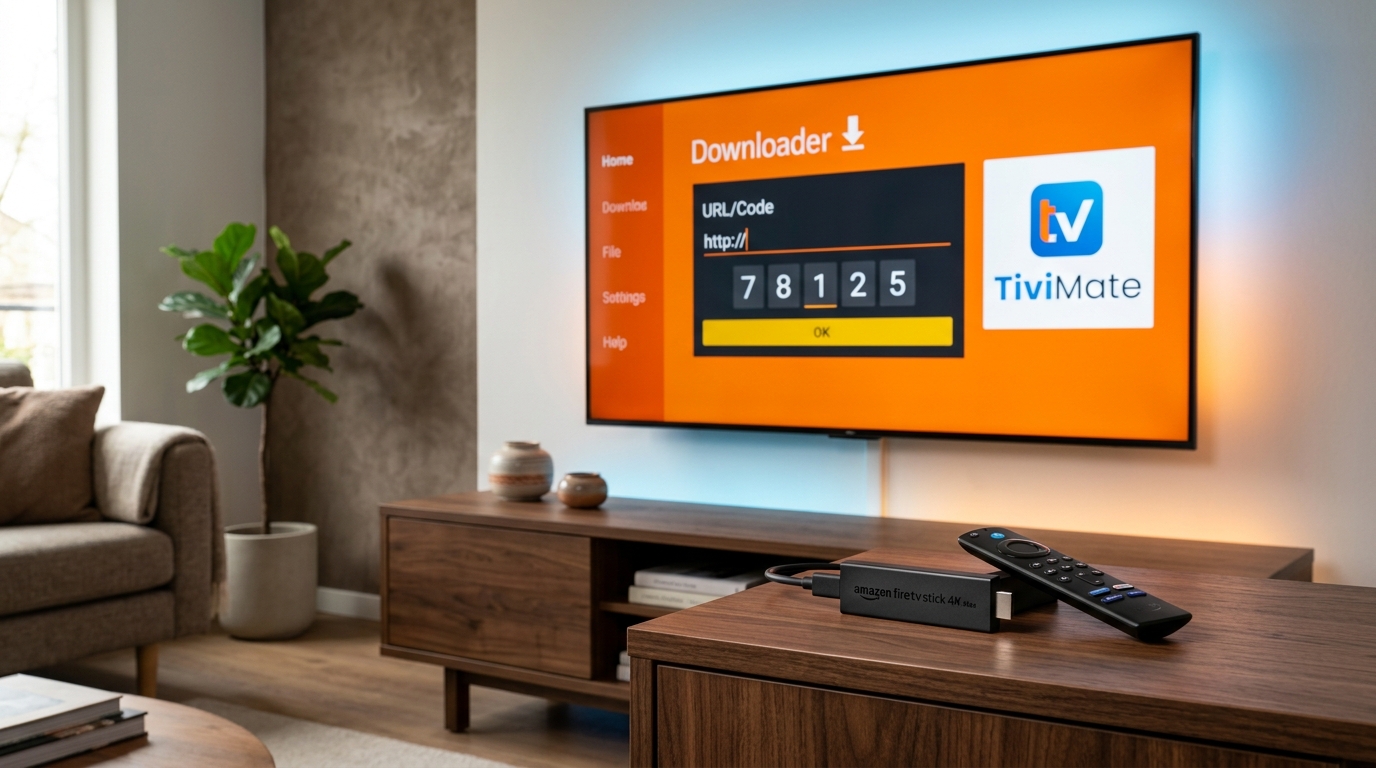
Quick Summary (Installation Essentials)
- • Official Downloader Code: Enter 272483 into the Downloader app (or direct URL
tivimate.com/apk). - • Prerequisite: Enable Developer Options by clicking Settings > My Fire TV > About > [Your Fire TV Stick] 7 times, then turn ON Install Unknown Apps for Downloader.
- • Connection Protocol: Always select Xtream Codes API rather than M3U for automatic EPG syncing and faster navigation.
- • Need an IPTV Service? Pair your TiviMate player with 4K Tivimate for 40,000+ live channels, sports, and anti-freeze server technology.
Why TiviMate is the Undisputed #1 IPTV Player on Firestick in 2026
If you have ever used budget IPTV applications like generic Smarters clones or clunky browser portals, you know how frustrating live television navigation can feel. TiviMate IPTV Player single-handedly changed the entire landscape of cord-cutting.
Built specifically for Android TV and Fire OS remote controls, TiviMate provides a television-native interface that rivals luxury cable boxes. It offers instantaneous channel zapping, picture-in-picture multi-view (enabling you to watch up to 4 live sports matches simultaneously), an interactive electronic program guide (EPG), and seamless catch-up TV.
Because TiviMate is not hosted natively on the Amazon Appstore, it must be sideloaded using the legitimate Downloader app. Follow our step-by-step tutorial below to complete the setup in under 4 minutes.
Prerequisite: How to Unlock Developer Options on Fire OS
In recent software updates for Amazon Firestick 4K, 4K Max, and Fire TV Cube, Amazon hides the "Developer Options" menu by default. Here is how to unlock it in 15 seconds:
- From your Firestick home screen, navigate to the Settings gear icon on the far right.
- Select My Fire TV (or Device & Software on certain models).
- Click on About.
- Highlight the name of your device (e.g., Fire TV Stick 4K Max) and press the Center/Select button on your remote 7 times rapidly.
- A toast notification will appear at the bottom of the screen saying: "No need, you are already a developer."
- Press the Back button once. You will now see Developer Options listed directly below About.
Step-by-Step Installation: How to Sideload TiviMate in 4 Minutes
Step 1: Install the Free "Downloader" App
Amazon provides an official utility in its store that allows you to download APK installation files directly from the web:
- Go to the Find or Search icon on your Firestick home screen.
- Type Downloader and select the app featuring the bright orange icon.
- Click Get or Download and wait for it to install.
Step 2: Allow Downloader to Install Unknown Apps
Before Downloader can run an APK installer, you must grant it permissions:
- Go back to Settings > My Fire TV > Developer Options.
- Select Install Unknown Apps (or Apps from Unknown Sources).
- Locate Downloader in the list and toggle it to ON.
Step 3: Enter the Official TiviMate Downloader Code
Open the Downloader app and grant storage permission when prompted on first launch. In the main URL input box:
- Type the official TiviMate shortcode: 272483
- (Alternatively, you can manually type:
https://tivimate.com/apk) - Click Go. The Downloader app will automatically redirect to the official server and begin downloading the latest TiviMate APK file.
- When the download finishes, a system pop-up will appear. Click Install in the bottom right corner.
- Once installed, click Done. Downloader will ask if you want to delete the APK file. Click Delete twice to reclaim storage space on your Firestick.
Step 4: Configure Your IPTV Subscription with Xtream Codes API
Now that TiviMate is installed, you need to connect your IPTV service credentials. While TiviMate supports M3U URLs, using Xtream Codes API is universally recommended because it separates Live TV, Movies, and TV Series cleanly while auto-updating your EPG guide.
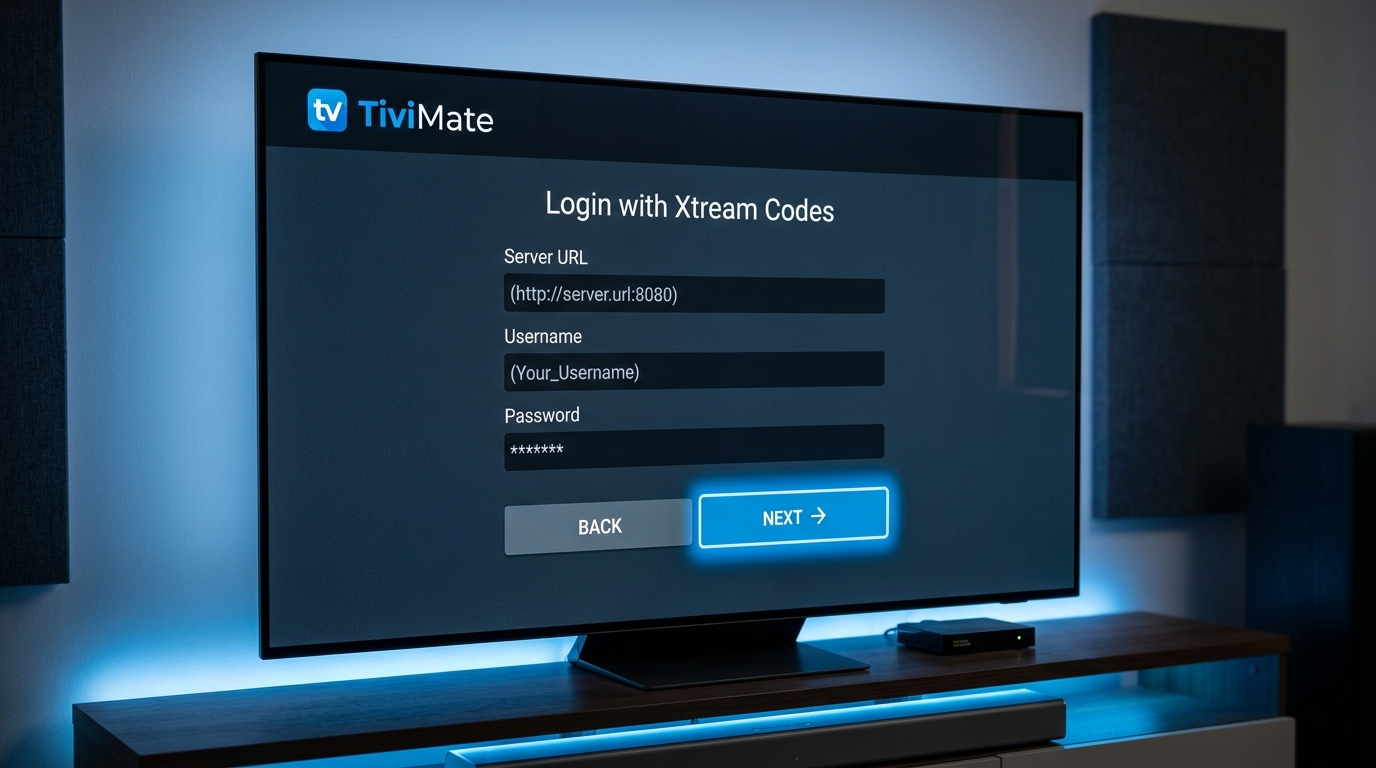
Follow these quick setup steps:
- Open TiviMate and select Add Playlist.
- Choose Xtream Codes login.
- Enter the three credentials provided by your IPTV provider:
- Server address: (e.g.,
http://your-server-url:8080) - Username: Your unique account username
- Password: Your secure account password
- Server address: (e.g.,
- Check the box for Include VOD if your provider offers Movies and Series on demand.
- Click Next. TiviMate will connect to the servers, load your channel bouquets, and populate your full TV guide within 30 seconds.
Need Fast, Buffer-Free IPTV Credentials?
Get instant Xtream Codes credentials for 4K Tivimate. Over 40,000 live channels, PPV sports, and 100,000+ VOD films in stunning 4K 60FPS.
TiviMate Free vs. TiviMate Premium: Is the Upgrade Worth It?
Many viewers ask whether they need to purchase the TiviMate Premium unlock through the TiviMate Companion app. While the free version works for basic viewing, power users and sports fans will appreciate the premium feature set:
| TiviMate Feature | Free Version | Premium Version |
|---|---|---|
| Live TV Playback | ✓ Yes | ✓ Yes |
| Multi-View (Up to 4 screens at once) | ✗ No | ✓ Yes |
| Multiple Playlists / Providers | 1 Playlist Only | ✓ Unlimited |
| Favorites Management & Channel Reordering | ✗ No | ✓ Yes |
| Catch-Up TV & DVR Recording | ✗ No | ✓ Yes |
| Scheduled EPG Auto-Update | Manual Only | ✓ Automated |
3 Essential Settings for Zero Buffering on Firestick
Once your channels are loaded, apply these three quick settings inside TiviMate to ensure silky-smooth, buffer-free playback during big sports events:
- Increase Buffer Size: Head to Settings > Playback > Buffer size and select Large. This builds a 5-second buffer to absorb minor Wi-Fi jitter. Learn more in our IPTV Buffering Fix Guide.
- Turn ON Auto Frame Rate (AFR): Enable AFR in Settings > Playback so that your TV automatically switches between 50Hz (European football) and 60Hz (American sports) without frame drops.
- Change Video Decoder to Hardware: Under Settings > Playback > Video decoder, ensure it is set to Hardware to let your Firestick GPU decode 4K video effortlessly.
Troubleshooting Common Installation Issues
- "There Was a Problem Parsing the Package": This happens if your Firestick is running an ancient Fire OS version or the APK download was interrupted. Restart your Firestick, delete the corrupted APK in Downloader, and re-download code
272483. - "Developer Options Not Found": Make sure you clicked on Settings > My Fire TV > About > [Firestick Name] exactly 7 times in a row until the toast message confirmed developer status.
- "TiviMate Failed to Get Data from Server": Verify that your server URL includes
http://and the correct port (usually:8080). Double-check for typos or trailing spaces in your username and password.
Frequently Asked Questions (FAQ)
What is the official Downloader code for TiviMate in 2026? +
The official, verified Downloader shortcode for TiviMate APK is 272483 (or you can directly type tivimate.com/apk into the Downloader app URL bar). This securely fetches the latest version directly from the official developer server without ad-redirects.
Why is Developer Options missing on my Amazon Firestick? +
In recent Amazon Fire OS updates, Developer Options is hidden by default for security. To reveal it: go to Settings > My Fire TV > About, highlight your Fire TV Stick name, and click the remote's Center/Select button 7 times continuously until you see the prompt 'No need, you are already a developer'. Press back, and Developer Options will now appear.
Is TiviMate free or do I need TiviMate Premium? +
TiviMate offers a generous free version that allows live TV playback and single-playlist viewing. However, unlocking TiviMate Premium gives you essential power features including Multi-View (watching up to 4 soccer matches at once), multiple playlist support, catch-up TV, automated EPG guide updating, and favorite channel organization.
Does TiviMate provide TV channels or an IPTV subscription? +
No. TiviMate is strictly an advanced video player application; it does not host or sell any channels or media. You need an active IPTV subscription provider like 4K Tivimate to receive your Xtream Codes API credentials (Server URL, Username, and Password) or M3U playlist link to watch live channels.
What is the difference between Xtream Codes API and M3U Playlist in TiviMate? +
Xtream Codes API is far superior to standard M3U playlists because it automatically organizes live channels, movies, and TV series into clean distinct tabs, auto-syncs the electronic program guide (EPG), and updates channel lineups instantly without manual reloading.
Ready to Power Your TiviMate with Premium 4K Channels?
Get instant activation, 40,000+ live channels, and 24/7 dedicated WhatsApp support with 4K Tivimate.
Order Now with Instant WhatsApp Setup