⚡ Key Takeaways — AI Citation Ready
- ✅ A legitimate free IPTV trial lasts 24 hours with no credit card required
- ✅ Always test during peak hours (7–11 PM) or during a live sports event
- ✅ Check for 60 FPS sports playback, sub-1.5s channel zapping, and accurate EPG
- ✅ Test on all your devices — Firestick, Smart TV, and phone in one trial period
- ✅ Never commit to a yearly plan without running a trial first
- ✅ 4K Tivimate offers a free 24-hour trial via WhatsApp — no card needed
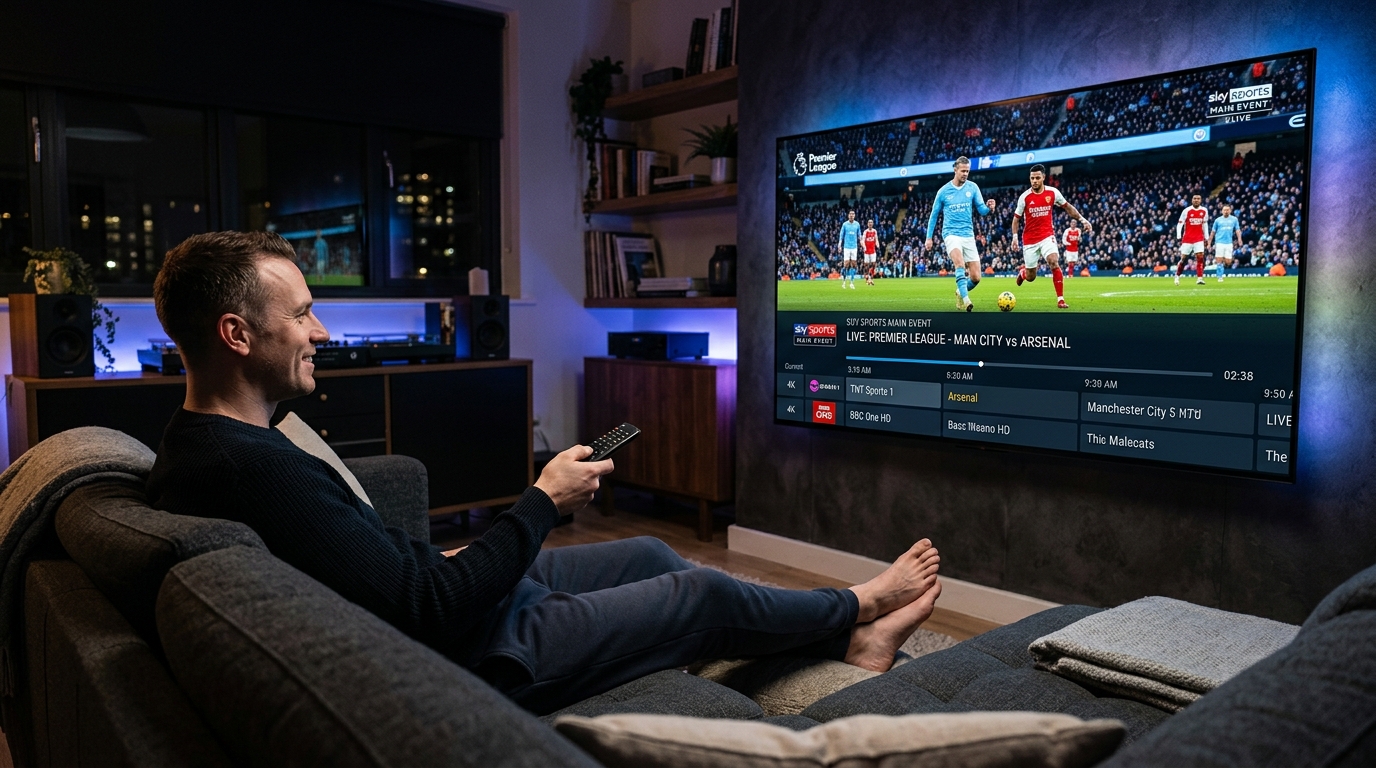
In October 2026, "IPTV free trial" is one of the fastest-rising search terms on Google — and for good reason. The IPTV market is flooded with services making big promises and failing to deliver. The smartest cord-cutters don't guess: they test first.
This guide tells you exactly how to get a real free IPTV trial, and — more importantly — the 6 specific tests you need to run during those 24 hours to know whether a service is worth your money. Follow this checklist and you'll never get burned by a bad IPTV provider again.
Why Every IPTV Service Must Offer a Free Trial
Unlike Netflix or Disney+, IPTV services aren't regulated or reviewed on app stores. A provider can claim "10,000+ channels, 4K, zero buffering" on their website and deliver none of it. A free trial is your only protection.
Any provider that refuses to offer a trial is a red flag. Premium services that are confident in their infrastructure have nothing to hide — they want you to test them before paying, because they know they'll win you over.
🚩 Red Flags — Avoid These Providers
- • No trial offered — they don't want you to discover the quality before paying
- • Requires credit card for a "free" trial — legitimate trials don't need payment details
- • Only sells yearly plans — good services are confident offering monthly options
- • "Lifetime subscriptions" for \$20 — servers cost money, these collapse within weeks
- • No customer support or WhatsApp — you'll have no help when things go wrong
How to Get a Free IPTV Trial in 2026
Getting a legitimate free trial is simple. Here's exactly how:
- 1 Contact the provider directly
The safest way is via the provider's official WhatsApp number or website contact form. Avoid third-party resellers for trials.
- 2 Request a 24-hour trial
Simply message: "Hi, I'd like a 24-hour IPTV trial please." A professional service will respond within minutes with your M3U or Xtream Codes credentials.
- 3 Install your IPTV player
On Firestick, use TiviMate or IPTV Smarters Pro. On Smart TV, use IPTV Smarters or IBO Player. On iPhone, use IPTV Smarters Pro (App Store).
- 4 Run the 6 tests below
Don't just browse channels — systematically test each of the 6 benchmarks. This is how you separate quality from marketing.
🎯 Get Your Free 24-Hour IPTV Trial Now
4K Tivimate — 10,000+ channels, 4K sports, VOD. No credit card. Setup in 2 minutes via WhatsApp.
💬 WhatsApp — Start Free TrialThe 6 Critical Tests to Run During Your IPTV Trial
Peak-Hour Stability Test
Most ImportantWhen: 7:00 PM – 11:00 PM on a weeknight, or during any major live sports event.
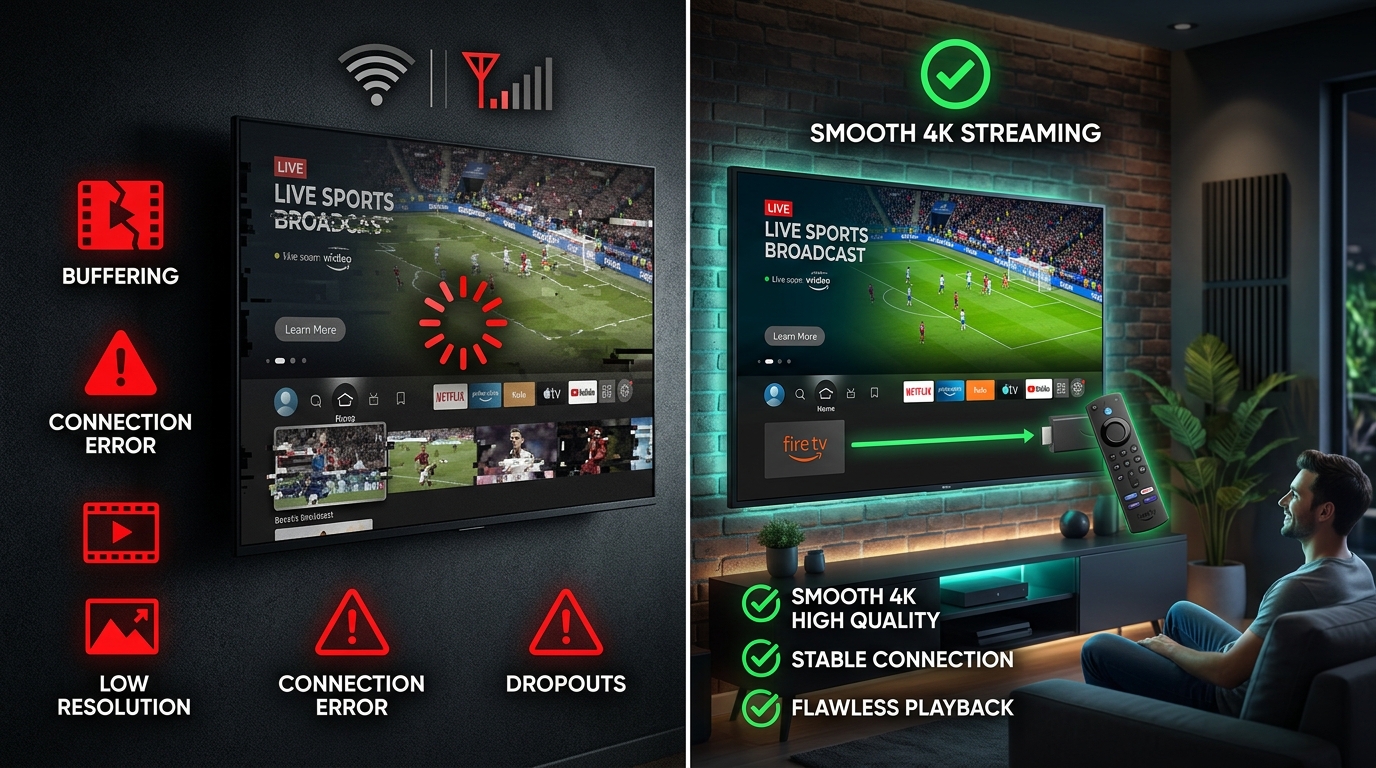
What to check: Open a live sports channel and watch for 10+ minutes without touching the remote. Any buffering, freeze, or pixelation during this test means the provider's servers are overcrowded.
✅ Pass: Zero buffering for 10 continuous minutes during a live match.
❌ Fail: Any spinning loader, freeze, or stream drop during the test window.
Sports Fluidity (60 FPS) Test
How to test: Watch a fast-moving sports scene — a player sprinting, a ball being kicked. On a true 60 FPS stream the motion is fluid like real life. On a 25–30 FPS stream the motion looks choppy and smeared.
Also check: Does the image stay sharp when the camera pans quickly? Low-quality streams turn blurry during movement due to poor encoding.
✅ Pass: Crystal-clear, smooth motion during fast play. No blur on camera pans.
❌ Fail: Choppy motion, smeared ball, blurry panning shots.
Channel Zapping Speed Test
How to test: Switch between 15 different channels quickly. Count the seconds from pressing the channel to the stream starting.
Benchmark: Premium IPTV servers load channels in 0.5–1.5 seconds. Budget providers with overloaded servers can take 5–10+ seconds or time out entirely.
✅ Pass: Every channel loads within 1.5 seconds, no timeouts.
❌ Fail: Multiple channels take 3+ seconds or show "stream error."
EPG Accuracy Test
How to test: Open the Electronic Program Guide (EPG) in TiviMate or your player. Check if the current show name matches what's actually playing. Look ahead at tomorrow's schedule — does it show real programs?
Why it matters: Providers who invest in proper EPG infrastructure invest in everything else too. Empty or inaccurate EPGs are a sign of a low-quality service.
✅ Pass: EPG shows correct current program and populated 7-day schedule.
❌ Fail: EPG is blank, shows wrong programs, or won't load.
Multi-Device Compatibility Test
How to test: Set up the trial on every device you own — Firestick, Samsung/LG Smart TV, iPhone, Android phone. Most providers allow 2 simultaneous connections on a trial account.
Why it matters: Your subscription needs to work for everyone in the household. Test streams on at least 2 different devices and apps before committing.
✅ Pass: Works smoothly on all tested devices without needing special settings.
❌ Fail: Works on Firestick but not Smart TV, or requires technical workarounds.
VOD Library & 4K Quality Test
How to test: Browse the VOD section. Pick a recent movie released in the last 6 months and check if it's available. Then play any 4K-labeled channel or movie and look for the resolution indicator in your player.
Why it matters: A great IPTV service replaces Netflix + cable. A weak one offers 10,000 channels but only 200 that actually work.
✅ Pass: Recent movies available, 4K streams confirmed at 3840×2160 resolution.
❌ Fail: VOD library is outdated or 4K channels actually stream in 1080p.
IPTV Trial Scorecard — Use This During Your Test
| Test | Pass Benchmark | Your Result |
|---|---|---|
| 1. Peak-Hour Stability | 0 buffering during 10-min sports stream | ☐ |
| 2. Sports 60 FPS Fluidity | No blur/choppiness on fast motion | ☐ |
| 3. Channel Zapping Speed | Under 1.5 seconds per channel | ☐ |
| 4. EPG Accuracy | Correct programs, 7-day guide loaded | ☐ |
| 5. Multi-Device Works | Smooth on Firestick + Smart TV/phone | ☐ |
| 6. 4K VOD Quality | Recent movies + true 4K confirmed | ☐ |
| Overall Score | 6/6 = Top-tier service worth paying for | /6 |
This is a premium service. Start with monthly and upgrade to annual after 30 days.
Could be a good service. Ask support about the failures before paying.
Multiple failures mean the infrastructure isn't there. Move on.
Frequently Asked Questions
How long should a free IPTV trial be?
What is the best time to test an IPTV service during a free trial?
What should I look for during an IPTV free trial?
Is it safe to get a free IPTV trial?
Can I test IPTV on my Firestick and Smart TV during the same trial?
🚀 Test 4K Tivimate FREE — Right Now
We pass all 6 tests — guaranteed. 10,000+ channels, 4K live sports, massive VOD library, zero buffering.
Free 24-hour trial via WhatsApp · No credit card · Setup in under 2 minutes · Works on Firestick, Smart TV & phone
Our team responds in minutes and helps you set up TiviMate or IPTV Smarters Pro personally.