
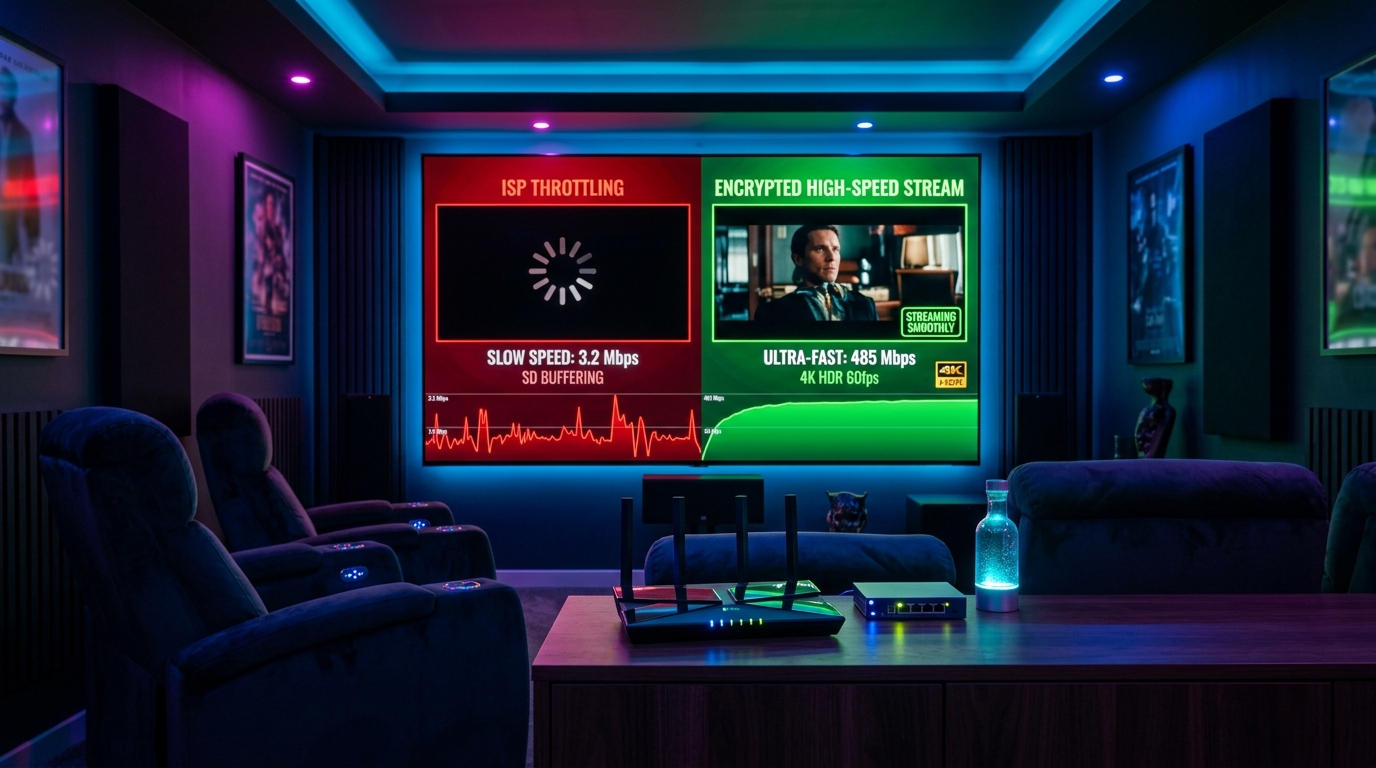
⚡ Quick Diagnosis: Why Your IPTV Freezes
- ✅ Prime-Time Throttling: If buffering happens between 8:00 PM and 11:00 PM or during live football, your ISP is capping continuous video streams.
- ✅ The 60-Second Test: Switch your Firestick Wi-Fi to a 4G/5G mobile hotspot. If the stream stops freezing, your home ISP is 100% throttling you.
- ✅ DNS Solution: Replace default ISP DNS with Cloudflare (
1.1.1.1) to bypass domain throttling and slow routing tables. - ✅ Buffer Optimization: In TiviMate, adjust buffer size from 'None' to 'Large' (5–8 seconds) to smooth over connection jitter.
- ✅ Cloud Anti-Freeze Infrastructure: Upgrade to 4K Tivimate with decentralized Tier-1 CDN edge routing designed to avoid ISP bottlenecks.
The Truth Behind "Why Does My IPTV Keep Cutting Out?"
You just sat down on Sunday afternoon to watch a crucial Premier League match or NFL showdown. You turn on your Firestick, launch TiviMate, and within 3 minutes, the picture freezes. The audio stutters, a blue spinning circle appears, and the stream restarts from 15 seconds earlier.
Frustrated, you run a speed test on your phone or laptop, and it shows 300 Mbps or 500 Mbps download speed. How can a stream requiring just 15 Mbps buffer on a 500 Mbps fiber line? The answer is almost always ISP Traffic Throttling.
Diagnostic Table: Is It Your ISP or Your IPTV Provider?
| Symptom | ISP Throttling Issue | Cheap Provider Overload |
|---|---|---|
| Timing of Buffering | Predictable evening hours (8 PM – 11 PM daily) | Random crashes or constant across all hours |
| Mobile Hotspot Test | Instantly plays smooth on cellular data | Still buffers on cellular hotspot |
| Affected Channels | High-bitrate sports and 4K channels only | Every channel including standard SD news |
| Speedtest vs Reality | Speedtest is 300+ Mbps, but stream gets 2 Mbps | Speedtest is normal, server drops connection |
⚽ Tired of Buffering During Big Games?
Test 4K Tivimate tonight on your Firestick or Smart TV. Our anti-freeze CDN edge routing guarantees 60 FPS sports with zero throttling. 24h free trial on WhatsApp.
💬 Claim Free 24h Anti-Freeze TrialHow Internet Providers Detect & Slow Down IPTV Traffic
Broadband providers like Comcast, Spectrum, BT, Virgin Media, and Orange manage millions of simultaneous users. To save money on international transit bandwidth, their network hardware runs Deep Packet Inspection (DPI).
When DPI detects a continuous UDP stream coming from standard IPTV server ports (such as port 80, 8080, or 2095) transferring 12 Mbps for over 15 minutes, an automated firewall rule restricts that specific IP connection down to 2–3 Mbps. Because a 4K stream needs at least 15 Mbps, your player runs out of buffered frames and halts.
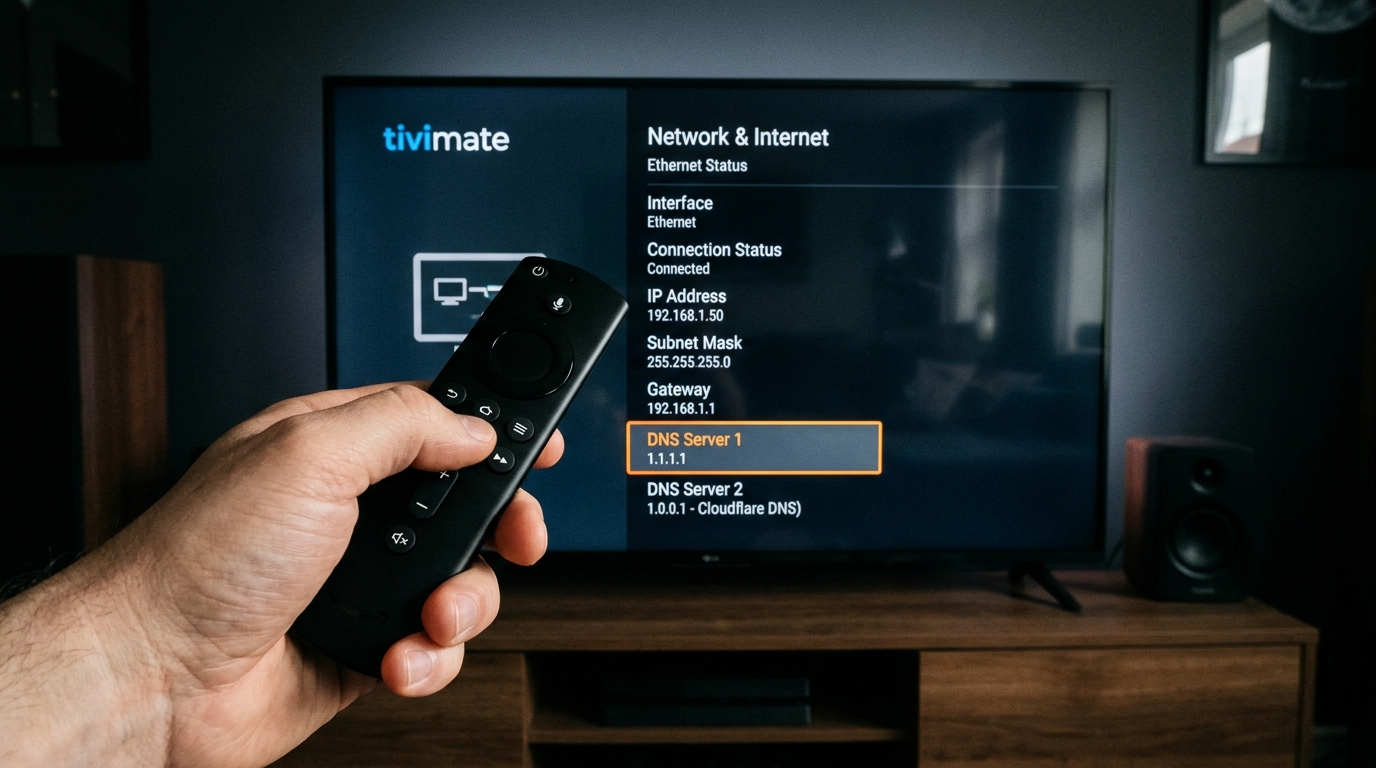
4 Proven Ways to Stop IPTV Buffering and Bypass Throttling
1. Change Your Device DNS to Cloudflare (1.1.1.1)
Most users leave their Firestick or TV on automatic DHCP DNS provided by their ISP. ISPs frequently hijack DNS requests to delay IPTV domain lookups.
Primary DNS: 1.1.1.1 | Secondary DNS: 1.0.0.1 (Cloudflare Privacy DNS)
2. Adjust Playback Buffer in TiviMate Settings
If your player buffer is set to "None" or "Small", any minor 200ms Wi-Fi drop will cause a visible video freeze.
Open TiviMate > Settings > Playback > Buffer size and change it to Large (or 5–8 seconds). This builds a protective memory cache that keeps video playing continuously even when brief packet delays occur.
3. Use an Encrypted WireGuard VPN Tunnel
When a VPN with WireGuard protocol is active, your ISP only sees an unreadable stream of AES-256 encrypted data going to a single server. Because their Deep Packet Inspection cannot determine that you are streaming video, their automated throttling rules never trigger.
4. Connect via Wired Ethernet Instead of 2.4 GHz Wi-Fi
Old 2.4 GHz Wi-Fi channels are heavily congested with interference from microwaves, baby monitors, and neighbors' routers. Use a 5 GHz band or a $12 USB-Ethernet adapter on your Firestick for a rock-solid, jitter-free cable connection.
Frequently Asked Questions (FAQ)
Why does my IPTV only buffer at night or during live sports?
How do I know if the buffering is my ISP throttling or my IPTV provider?
Does changing DNS settings stop IPTV buffering on Firestick?
Do I always need a VPN for IPTV streaming in 2026?
How does 4K Tivimate prevent matchday buffering on its servers?
Experience Stable 4K Streaming with 4K Tivimate
40,000+ live sports and global channels, 60 FPS fluidity, and anti-freeze CDN edge routing designed to avoid ISP throttles.
No credit card required · Compatible with Firestick, Smart TV, Android & iOS